



Free
$0 forever
- Every planning feature
- All Buddies, at the same pace as everyone
- Stored privately on this device
- No account, no trial clock
BuddiePlan is a free planner made with neurodivergent and chronically ill people. Check in with your energy, focus on one thing at a time, and grow a little Buddie every week you plan.
Installs straight from your browser. No app store, no account, no card.
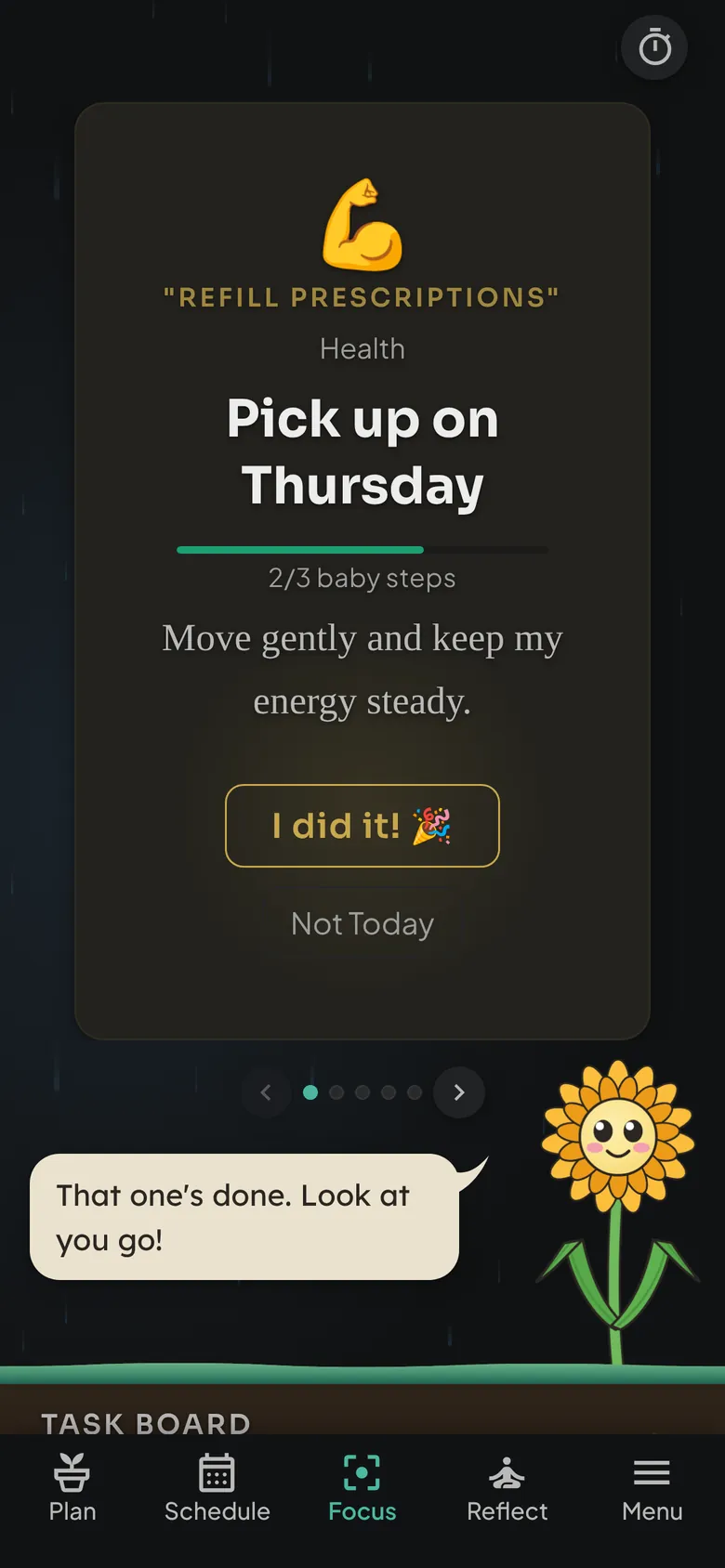
Low-spoon days, scattered days, good days. BuddiePlan asks how you're doing first, then helps you pick what fits. We call it nourishing the soil: tend your energy and the rest grows from there.
Each day opens with one honest question. Water stands in for energy: high, medium, low, or very low. Your plan works around the tank you have today, not the one you wish you had.
“How much effort can you pour into your tasks today?”
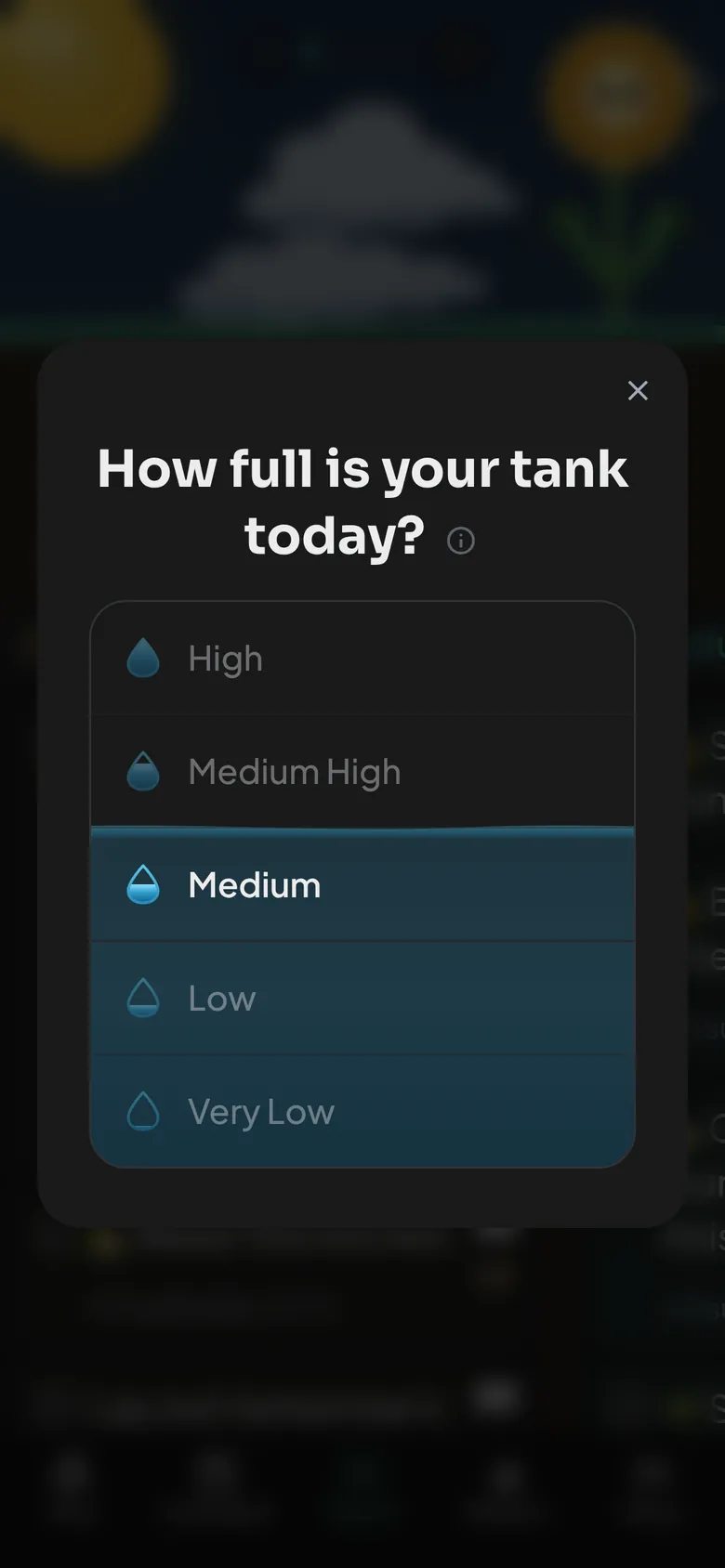
Your Focus page shows a single task at a time, so you never stare down a wall of to-dos. Done? Tap I did it and your Buddie celebrates. Not happening? Not Today is a real answer, and nobody keeps score.
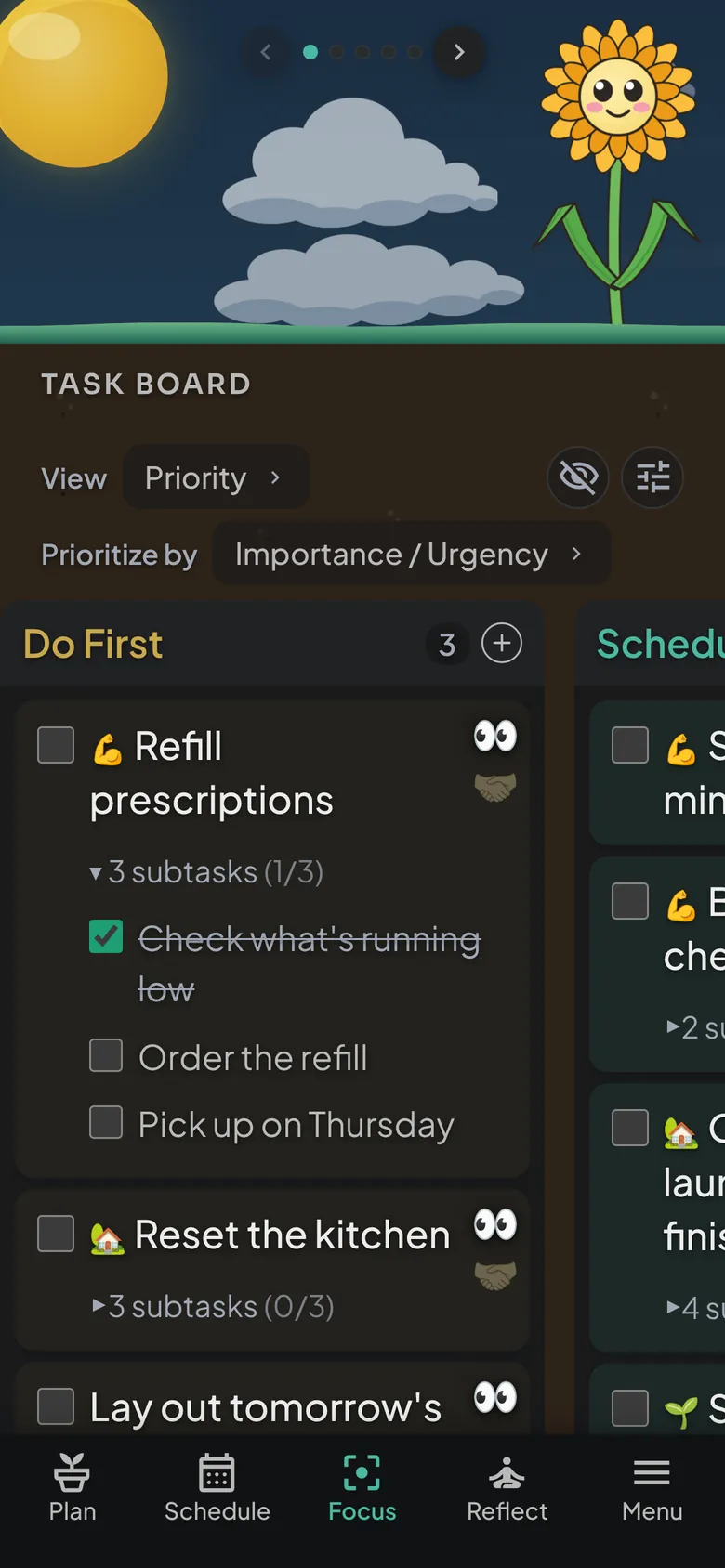
Big tasks break into baby steps you can tick off one by one, and a built-in timer and Focus with Friends help when starting is the hard part.
A short planning ritual replaces the blank-page panic of a new week. Three gentle steps, guided by your Buddie, and you're done.
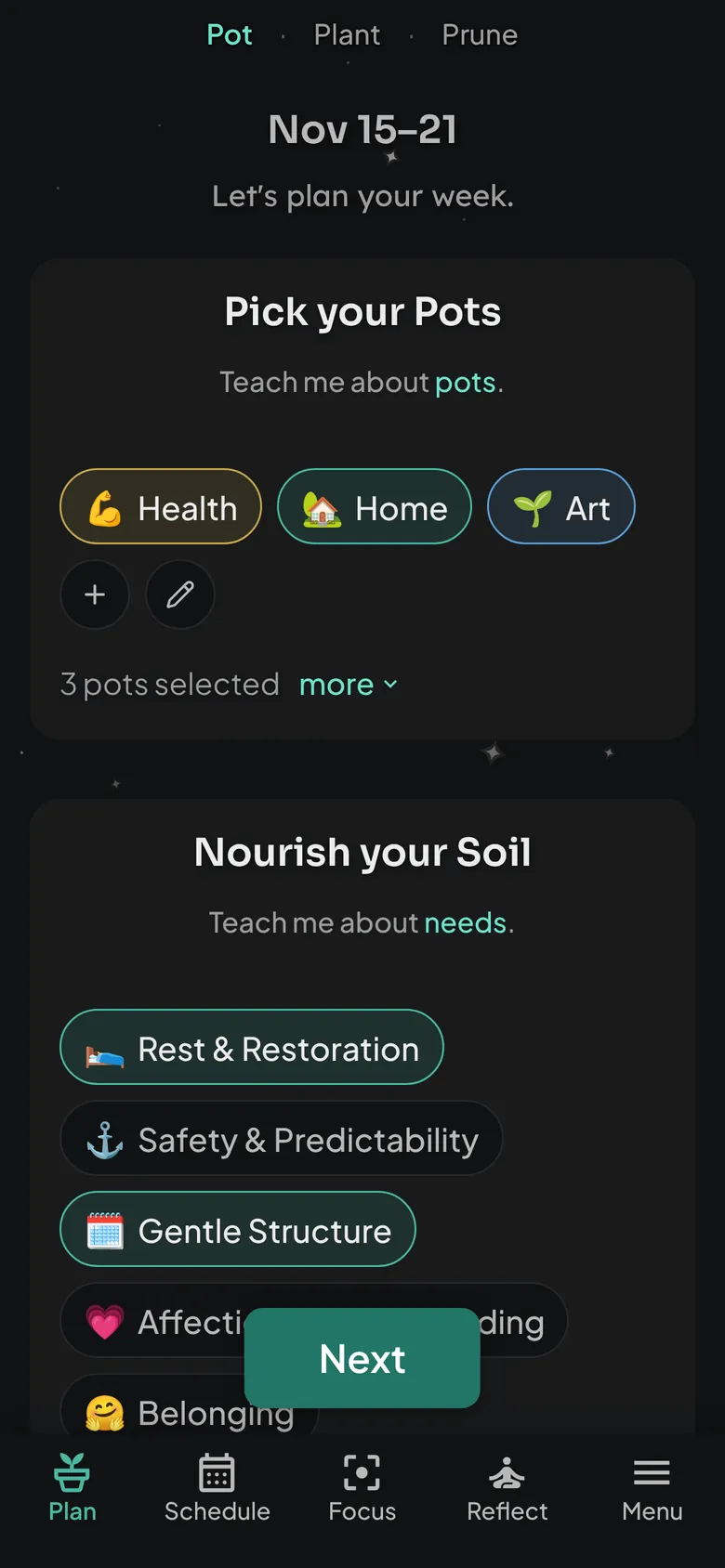
Choose the parts of life that matter this week, and the needs you want to nourish, like rest or gentle structure.
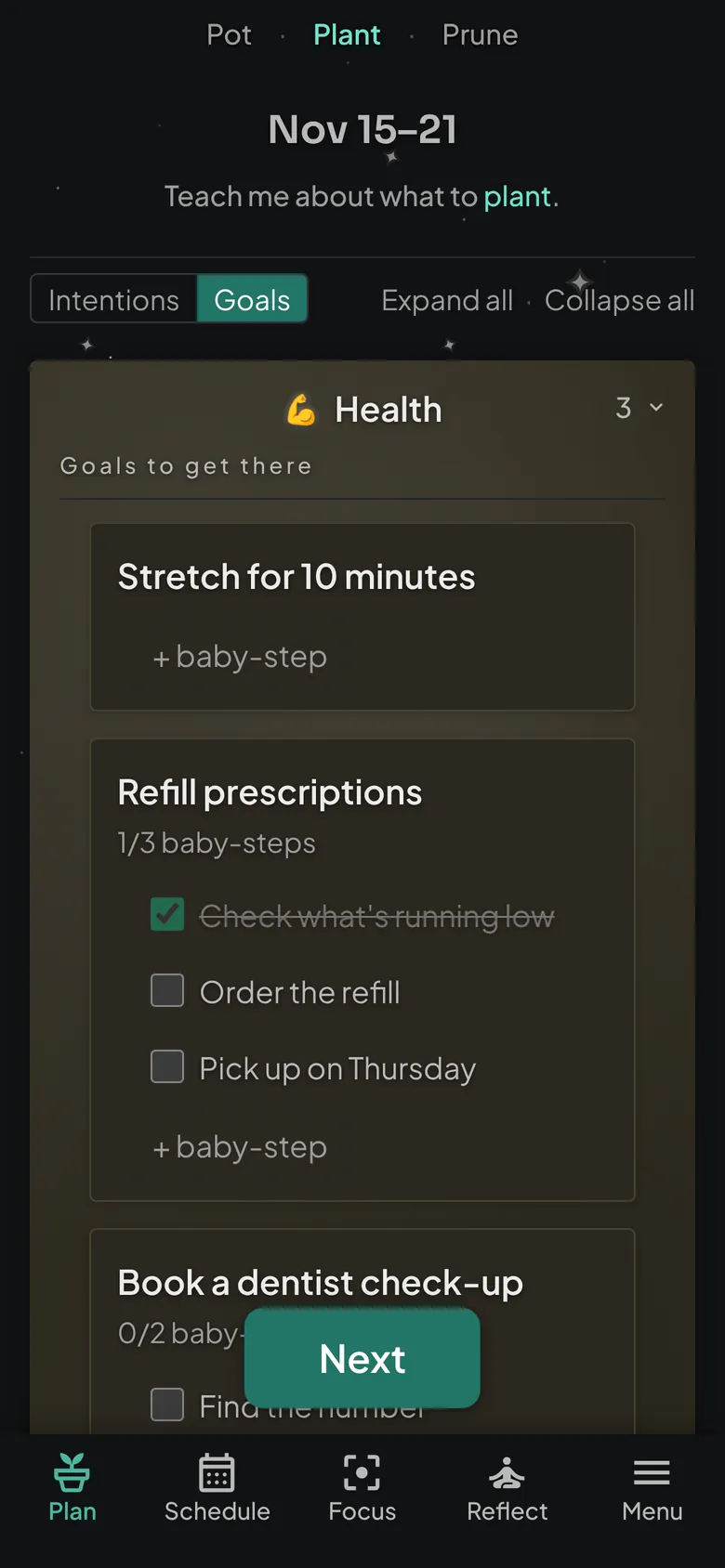
Write an intention for each Pot, then plant a few goals and the baby steps that get you there.
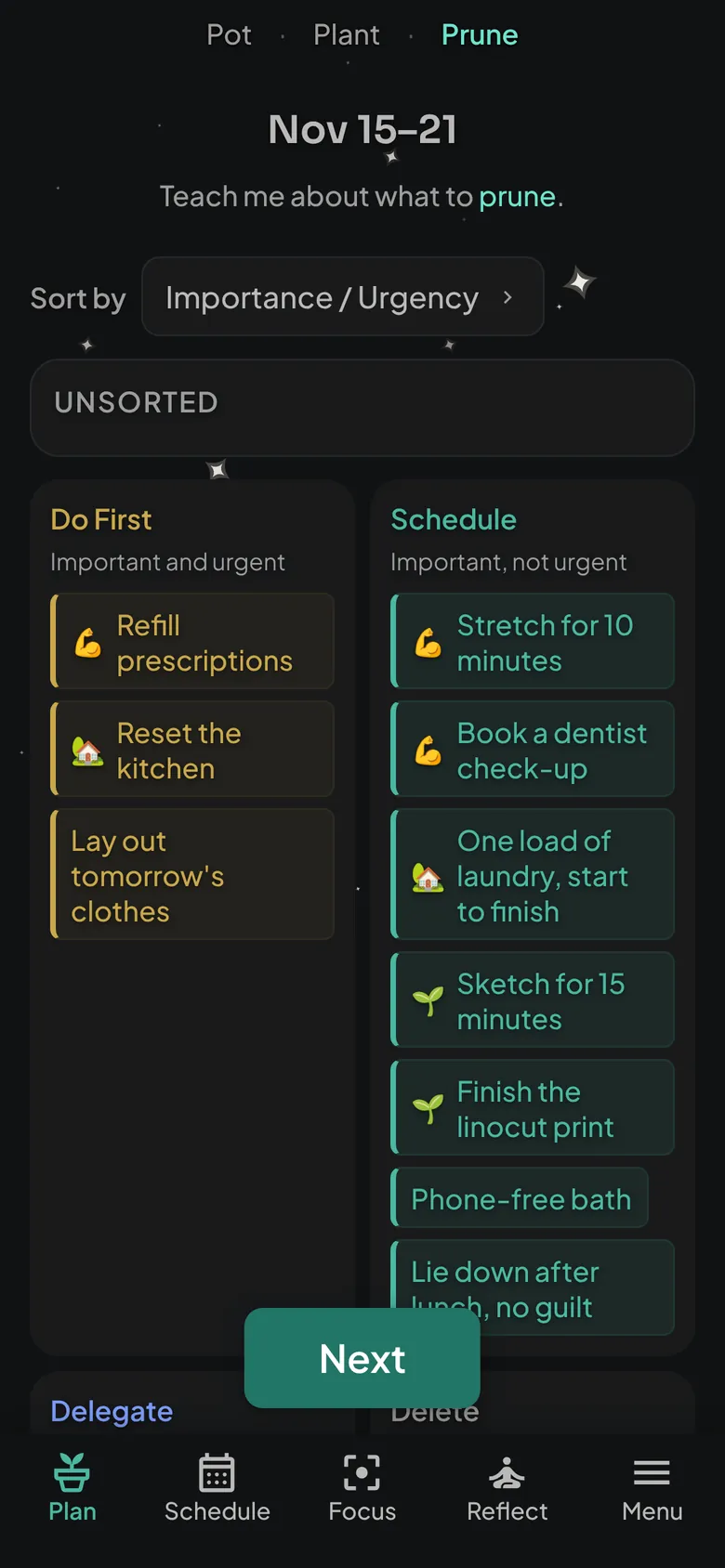
Sort what you planted by what matters most and let the rest go. A lighter week is still a planned week.
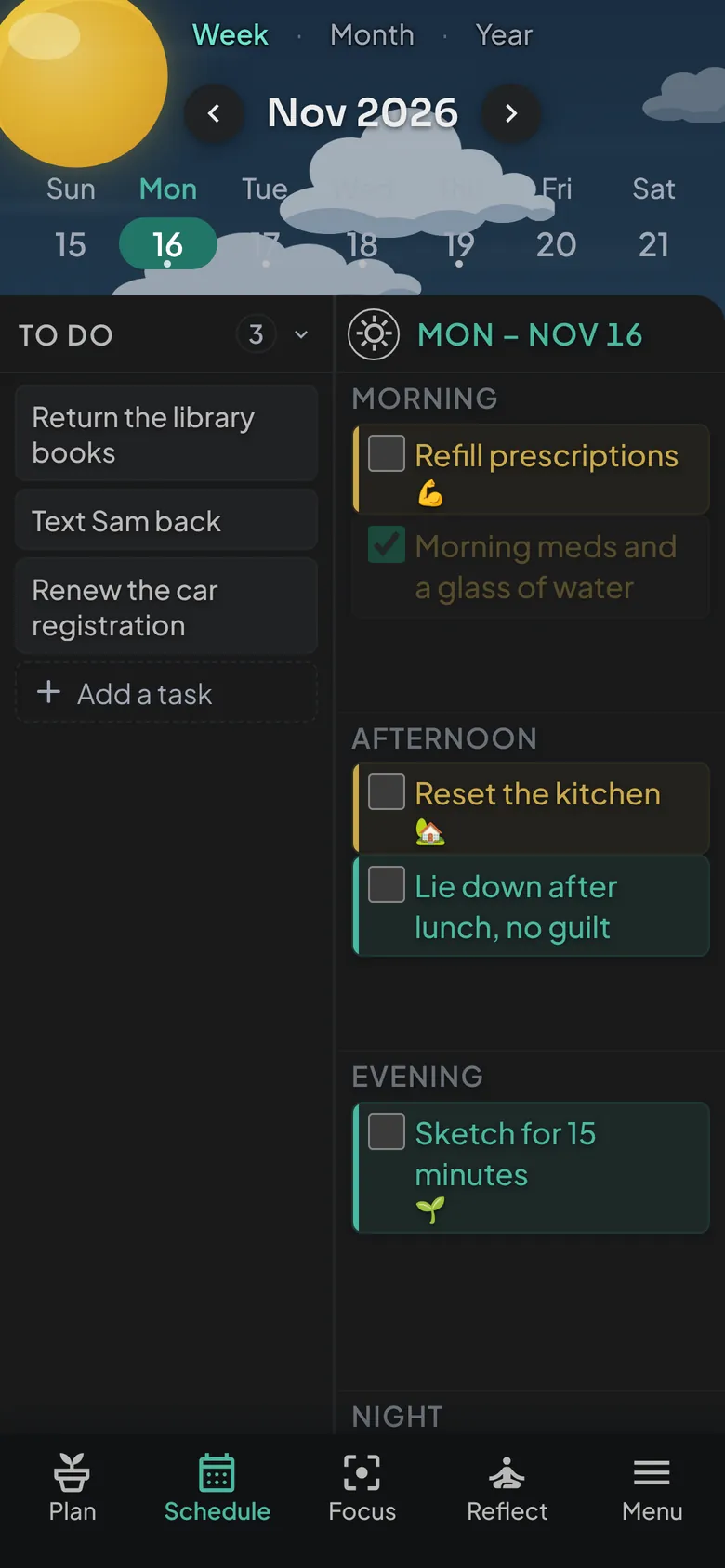
Time blindness and tight time slots don't mix. Drop tasks into morning, afternoon, evening or night, or switch to a 24-hour view when you need precision. Week, month and year views keep the bigger picture in reach.
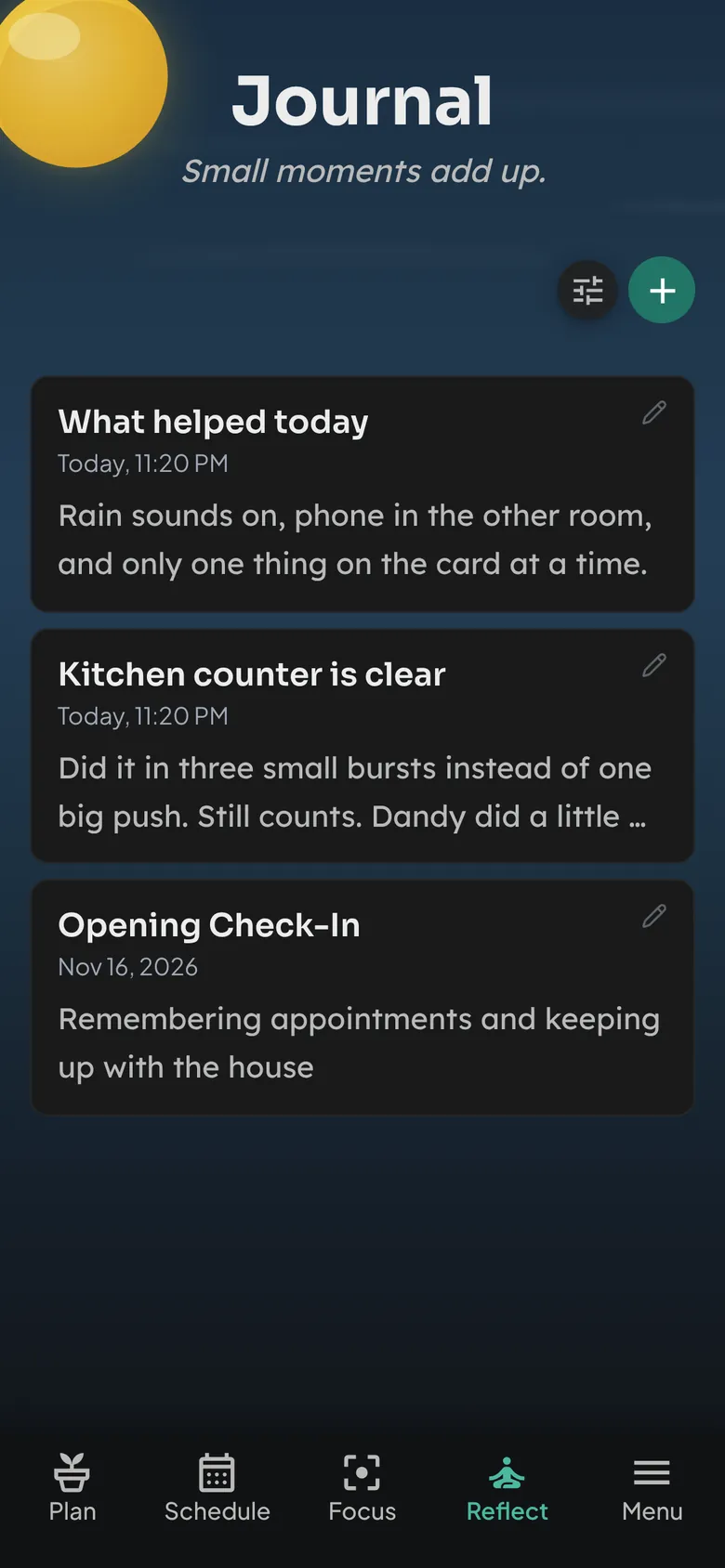
A simple journal with gentle prompts for the moments worth keeping. Over time you'll see what actually supports you, so next week's plan gets a little kinder.
“Small moments add up.”
Every Buddie starts as a seed. Finish your weekly plan and something blooms: a new Buddie, or a piece for the Buddie Wardrobe. Who's next stays a surprise until they're yours, and everyone grows at the same pace, free or paid.






Free BuddiePlan keeps everything in your own browser on your own device. We can't see it, and there's nothing to sign up for.
The whole planner is free with no time limit. Paid options protect your data and are added inside the app, whenever you want them.
$0 forever
$20 once
Unlock from Menu, then Upgrade, in the app.
$6 a month, billed yearly
or $10 month to month
Start from Menu, then Upgrade, in the app.
Early-access prices in USD. Current prices always show on the Upgrade page in the app.
BuddiePlan is a web app you install from your browser (sometimes called a PWA). Once added, it gets its own icon, opens full screen like any other app, and updates itself. No store account and no big download.
Yes. Every planning feature is free with no time limit and no account. Own It and Sync only add ways to back up or sync your data.
iPhone, iPad, Android phones and tablets, Mac, Windows and Chromebook. On iPhone and iPad, use Safari or another browser that can add to your Home Screen. On a computer, Chrome, Edge and Safari can install it; Firefox can run it in a tab.
On the free plan, only in your browser on your device. That keeps it private, but clearing your browser data or switching phones would erase it. Own It lets you export a backup file, and Sync keeps a copy across your devices.
Not at all. BuddiePlan was shaped with ADHD, autistic and chronically ill people, and it fits anyone whose energy changes from day to day.
Little plant friends who live in your planner. They cheer when you finish things, guide you through your weekly plan, and new ones bloom as you keep showing up.
No. It's a planning tool, not a medical device or a replacement for professional support.
Add BuddiePlan to your phone or computer in under a minute. Free, private, and ready for whatever kind of day today is.
Get BuddiePlan free
Want it on your phone? Point your camera here.